

Virtual Queue ROI: Complete Calculation Guide for SMBs
The context: a restaurant facing operational challenges
Let's consider the fictional example of Harbor Bistro, a 40-seat restaurant located in downtown Seattle. Sarah, the owner, faces a recurring problem: during peak hours (12pm-2pm and 7:30pm-9:30pm), customers queue outside her establishment. Some leave without even trying to get in.
The restaurant employs 3 servers and generates an annual revenue of $520,000. Sarah has noticed that during busy periods, she loses potential customers. She doesn't know exactly how many. But she can feel that unmanaged waiting is costing her money.
This is typical for SMBs. You see the problem, but you can't quantify it. So it's hard to justify investing in a solution. Except that actually, calculating the ROI of a virtual queue is simpler than you think.
The diagnosis: quantifying hidden losses
OK, let's be honest: Sarah doesn't know the exact number of lost customers. But she can estimate it. Here's how we proceed.
Step one: observe departures For a week, Sarah asks her team to count people who leave without consuming. Result: about 18 people per day during peak hours. By the way, according to a Journal of Service Research study, the acceptable waiting time before frustration is about 2 minutes in retail. Beyond that, departures multiply.
Step two: calculate lost revenue Harbor Bistro's average ticket: $32. Out of 18 daily departures, even if only 65% would have actually consumed (the others were just curious), this represents:
- 18 × 0.65 × $32 = $374 loss per day
- $374 × 300 operating days = $112,200 annual lost revenue
Step three: identify hidden costs Beyond lost sales, there's the impact on brand image. According to Forrester Research, 75% of consumers consider waiting time as the most frustrating part of customer experience. A frustrated customer doesn't return. And talks about it to others.
Sarah realizes the problem is bigger than she thought. And that a virtual queue management solution could be profitable.
The implementation: concrete deployment steps
Alright, let's get practical. Sarah decides to invest in a virtual queue solution. Here's how she proceeds.
Phase 1: Installation (Day 1) The Waitiii solution requires no physical kiosk. Sarah simply posts a QR code at her restaurant entrance and configures her web dashboard. Installation time: 30 minutes. Setup cost: $0.
Phase 2: Team training (Day 2-3) Her 3 servers learn to use the dashboard to call customers and manage notifications. Ultra-simple training: they master it in 2 hours flat. The system automatically sends SMS to customers to notify them when it's their turn.
Phase 3: Customer communication (Week 1) Sarah displays an explanatory sign: "Scan the QR code, skip the line, get an SMS when your table is ready". She also trains her team to explain the concept to customers less comfortable with technology.
Phase 4: Adjustments (Week 2-4) The first days, 45% of customers use the system. After a month, it's 80%. Sarah adjusts estimated waiting times based on real observations to optimize the experience.
The important thing: no revolution, just evolution. Customers who prefer to wait "the old way" can still do so.
The results: measurable improvement in 3 months
Three months after implementation, Sarah takes stock. And the numbers speak.
Reduction in departures Customers who join the virtual queue no longer leave. They go have a drink at the bar next door or do some shopping, then come back when they receive the SMS. Result: 15 additional customers per day on average (out of the 18 who left before).
Calculation: 15 × $32 × 300 days = $144,000 in recovered revenue.
Experience improvement According to Waitiii data, virtual queuing reduces perceived waiting time by 30 to 50%. Harbor Bistro customers are more relaxed. The atmosphere is better. Sarah notices fewer complaints and more positive online reviews.
Operations optimization The dashboard gives her precise statistics: peak times, average waiting time, abandonment rate. She can better plan her teams and anticipate rushes. Estimated savings in HR optimization: $12,000/year.
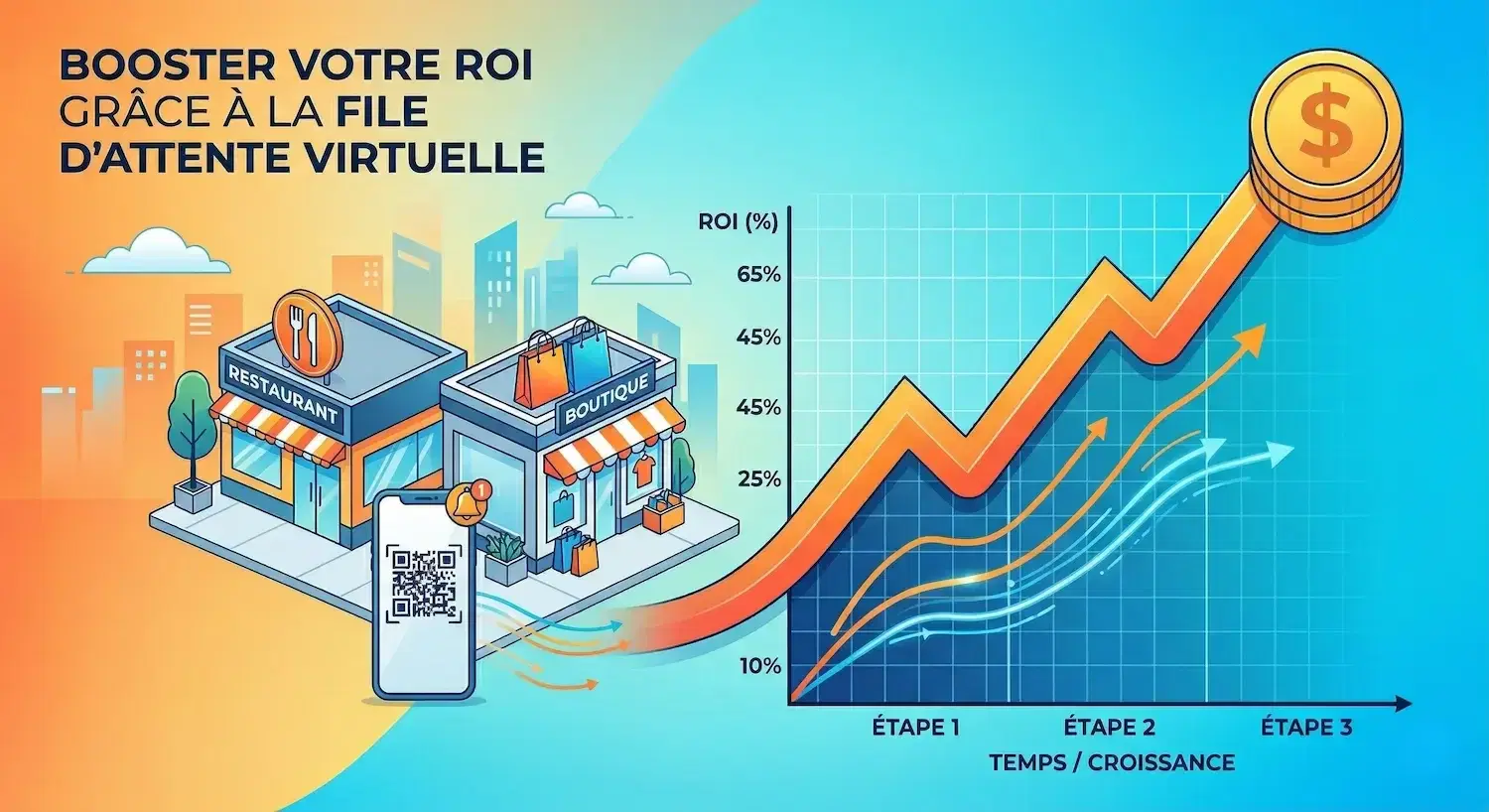
ROI calculation Solution cost: $99/month or $1,188/year Gains:
- Recovered revenue: $144,000
- HR optimization: $12,000
- Total gains: $156,000
ROI = ($156,000 - $1,188) / $1,188 × 100 = 13,025%
In other words, every dollar invested returns more than $130. Not bad for an SMB, right?
The lessons: what to remember for your business
The Harbor Bistro example teaches us several important things for calculating ROI in your context.
Lesson #1: Start by observing Before investing, quantify your current losses. Count departures, calculate lost revenue. Without diagnosis, no reliable ROI. Sarah spent a week observing before deciding.
Lesson #2: Think beyond direct revenue ROI isn't limited to recovered sales. There's customer experience improvement, operations optimization, team stress reduction. All these elements have economic value.
Lesson #3: Adapt calculation to your sector In restaurants, we talk about average tickets and table turnover. In medical practices, it would be the cost of a missed appointment. In government services, public service efficiency. The method remains the same, variables change.
Lesson #4: Measure over time Virtual queue ROI improves with time. The more customers get used to the system, the more effective it becomes. Sarah reached 80% adoption in a month, but some businesses take 3 months.
To go further in your thinking, don't hesitate to contact us for a personalized analysis of your situation.
Sources
- Forrester Research — 75% of consumers consider waiting time as the most frustrating part of customer experience
- Journal of Service Research — Acceptable waiting time before frustration is about 2 minutes in retail
- Waitiii data — Virtual queuing reduces perceived waiting time by 30 to 50%
Frequently asked questions
Related articles

Walk-in Barbershop: Digitizing Without Losing the Vibe
How can a walk-in barbershop digitize waiting without killing its spontaneous spirit? Real case study of a successful transformation.
6 min
Physical vs Digital Queues: 7 Decision-Making Criteria
Objective comparison between physical and digital queuing for local businesses: 7 essential criteria, real costs, and measured ROI.
8 min
Digital Queue Management for SMBs: 6 Myths Debunked
Complete guide to debunk misconceptions about digital queue management for SMBs. Myths vs reality with verified data and practical insights.
8 min